TL;DR
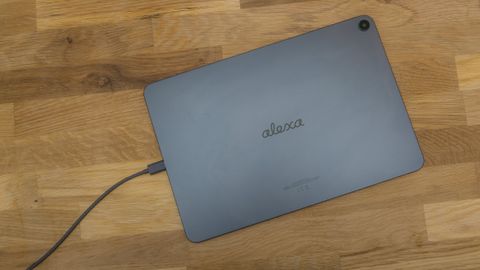
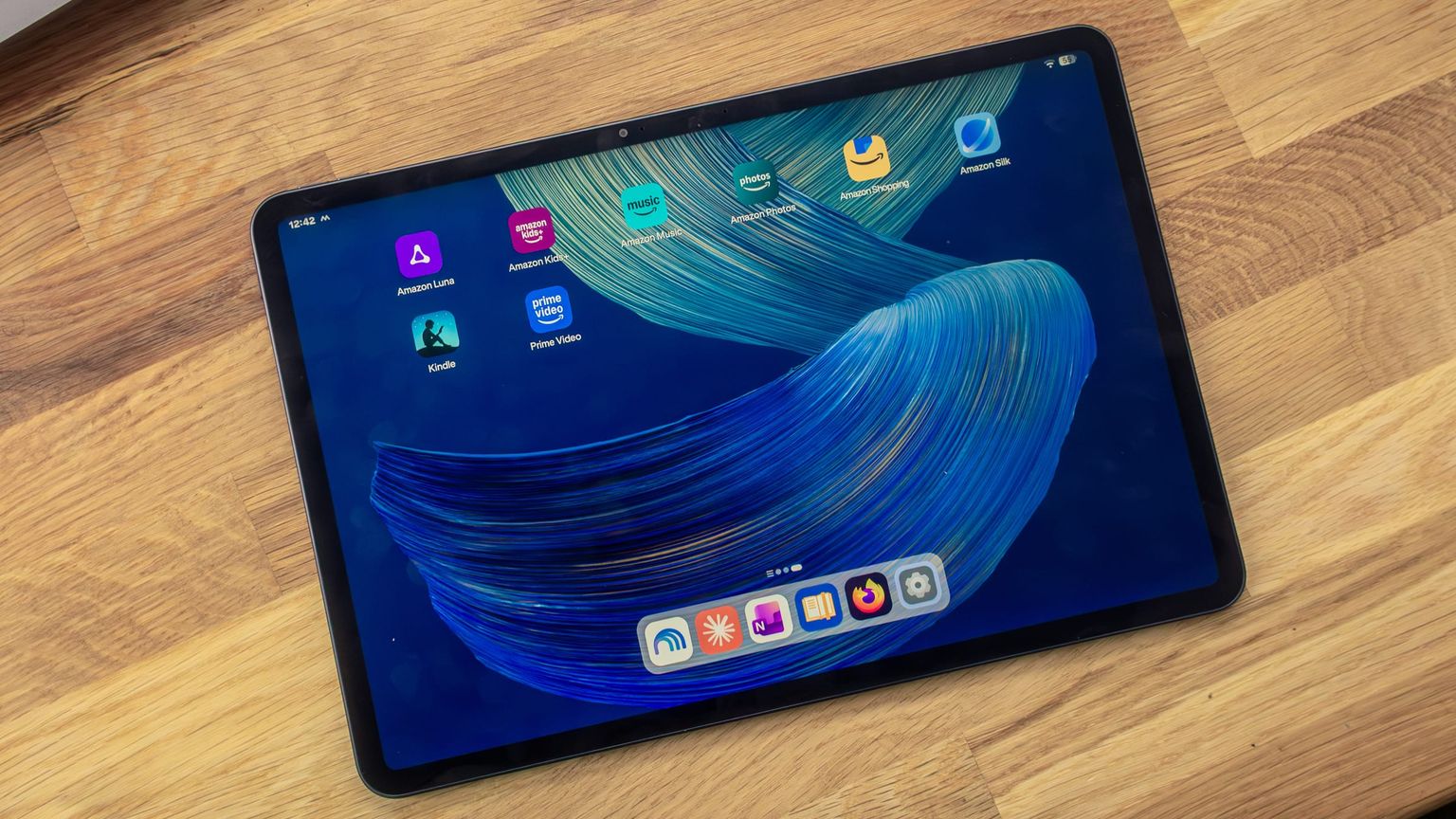
The Alexa Tablet 12 Pro with 8 GB RAM and 128 GB storage is a fast tablet with an excellent matte display, and after debloating it runs a nearly stock Android 16. The downsides are slow charging, fingerprints that stick to the matte glass, and a bootloader that cannot be unlocked, which rules out custom ROMs.
Contents (9 sections)
Verdict in brief
The Alexa Tablet 12 Pro is a good tablet with one standout feature: the matte display. Performance is clearly a step up from my Galaxy Tab S7 FE, and once the Amazon apps are gone, the software is close to stock Android. If you want a custom ROM, look elsewhere: the bootloader cannot be unlocked.
| Pros | Cons |
|---|---|
| Matte display without glare | Fingerprints stick and are hard to wipe off |
| Fast enough for Call of Duty on max settings | Charges at 27 W at most |
| 8 GB RAM, apps stay in memory | Bootloader locked, no custom ROMs |
| Loud, clear speakers | Lots of Amazon bloatware out of the box |
| Fast, reliable fingerprint sensor | No desktop mode, Termux and Linux terminal fail |
Price and specs
I paid €559.99 for the 8 GB / 128 GB version on Amazon.de. With Amazon’s trade-in, it gets cheaper: for my old Fire HD 8 (2020), Amazon refunds 20 percent of the price (€112) plus an estimated €5 gift card once it receives the old device. That brings the effective price down to about €443. The Alexa Tablet Pro stylus cost another €84.99.
According to Amazon’s developer specs:
| Spec | Value |
|---|---|
| Display | 11.95 inches, 2800 × 1840 pixels, IPS |
| SoC | MediaTek MT8793N, 8 cores (Arm Cortex-A725, up to 3.25 GHz) |
| GPU | Arm Mali-G720 |
| RAM / storage | 8 GB with 128 GB UFS 3.1, or 16 GB with 256 GB UFS 4.0 |
| Cameras | 13 MP rear (autofocus), 8 MP front |
| Wireless | Wi-Fi 6E, Bluetooth 5.3 |
| Software | Android 16 (API 36) |
Display: matte glass that feels different
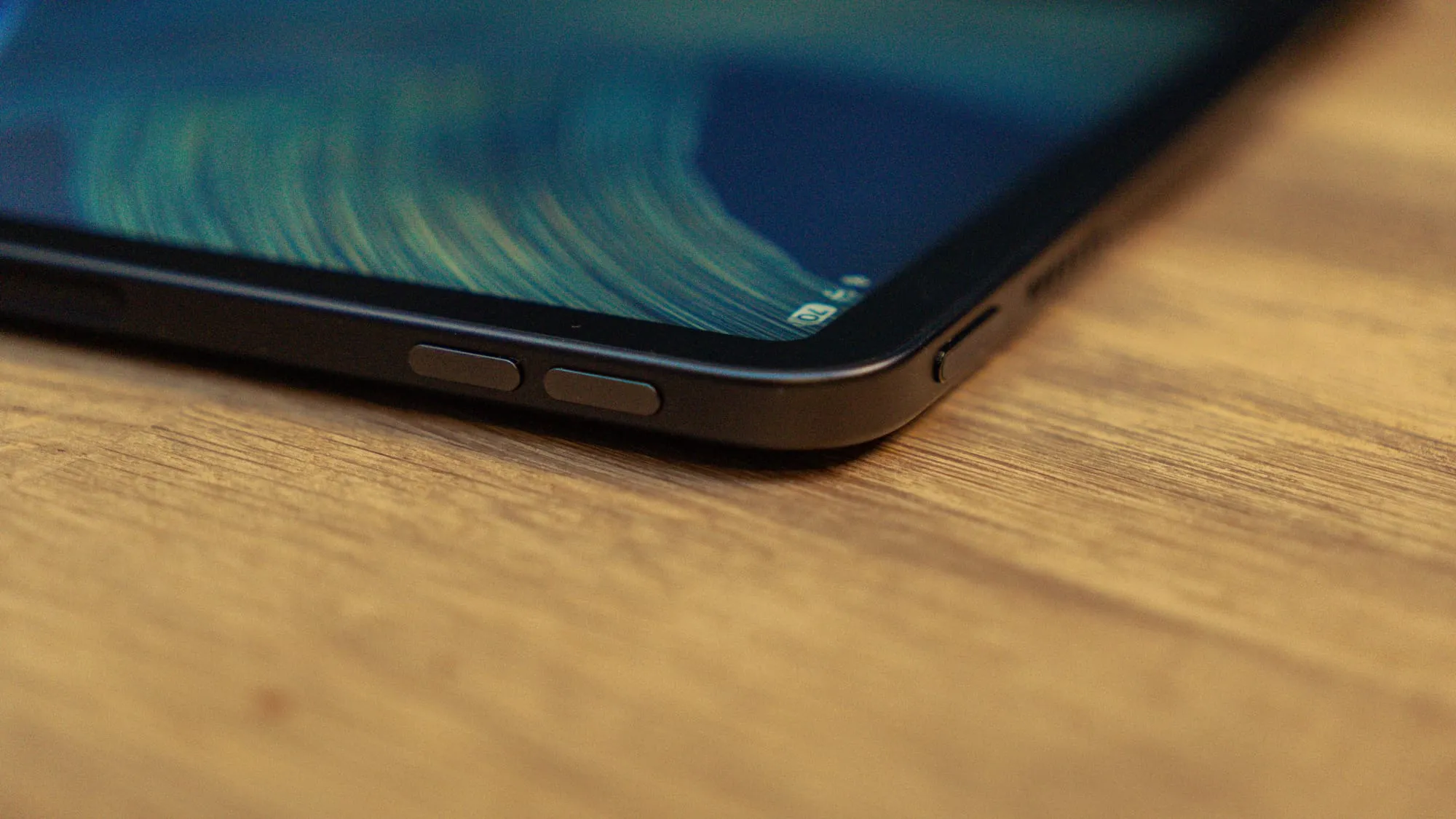
The matte display is the best part of this tablet. The image looks as if it sits directly on the glass, which makes touch feel more direct, and your finger glides with less friction than on a glossy screen. Bright ceiling lights don’t glare at all.
Underneath the coating, it is a solid IPS panel. Sharpness, colors and contrast are roughly on par with the Galaxy Tab S7 FE. I won’t use a screen protector, because it would cancel out the matte effect.
Why fingerprints stick to the matte display
The downside of matte glass is fingerprints: they build up fast and are harder to remove than on a glossy screen. The reason is the surface itself. Matte glass is microscopically rough, and that texture scatters light in all directions, which is exactly why it doesn’t glare.
- Capillary action: skin oil wets glass easily. On a rough surface, capillary forces pull it into the tiny valleys. A cloth mostly touches the peaks, so the oil in the valleys stays put.
- Optics: oil refracts light almost like glass (refractive index about 1.45 vs. 1.5). A spot filled with oil stops scattering light and turns into a smooth, shiny patch on an otherwise matte surface. That is why smudges stand out so clearly.
The same texture also explains the low friction: your finger mostly rests on the peaks, not on the whole surface.
Performance: the biggest upgrade
The faster chip and 8 GB of RAM make the biggest difference compared to the Tab S7 FE. Call of Duty runs on max settings without problems. Everyday use is smooth, with only the occasional small stutter.
RAM is where you notice it most. Switching apps is quick, and apps come back from the background instantly instead of reloading. On the S7 FE, the tight 4 GB meant Android closed background apps much more often.
Software: Alexa Tablet UI after debloating
Out of the box, the tablet is full of Amazon apps. I removed 53 packages via ADB and disabled 7 more, including Alexa, Kindle, Prime Video and the Silk browser. The tablet runs without problems afterwards. The full process is in the guide Alexa Tablet 12 Pro debloat.
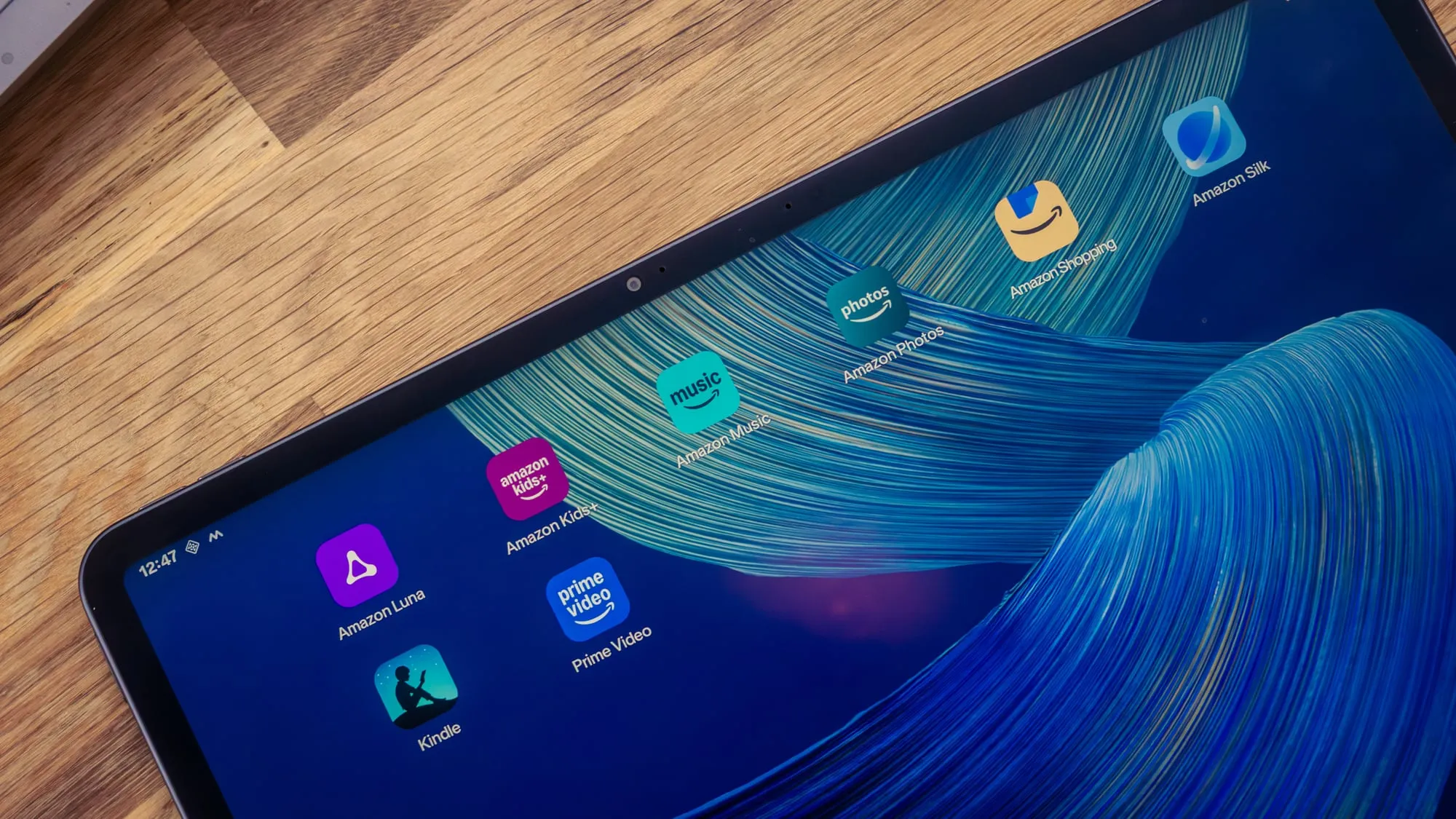
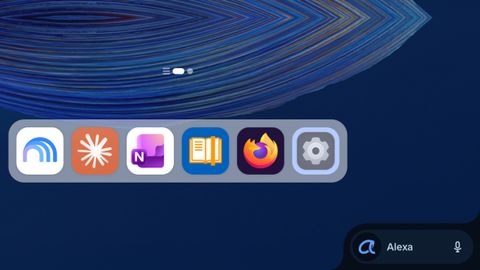
One quirk remains: even with a different launcher, the dock of the Amazon launcher keeps showing up. The Alexa button in it can be removed, see hide the Alexa icon in the taskbar.
Apart from the Amazon apps and the Kindle mode settings, Android 16 here is very close to stock AOSP (the Android Open Source Project). Depending on your use case, that is a plus or a minus. Samsung’s One UI offers far more, such as a screenshot gesture, double-tap to wake and the DeX desktop mode. The Alexa tablet has no desktop mode, only plain screen mirroring.
The downsides
- Locked bootloader: the developer options have no OEM unlocking toggle. The bootloader cannot be unlocked, so custom ROMs are off the table.
- No local Linux: Termux and Android’s built-in Linux terminal both fail to start. The details are in Linux on the Alexa Tablet 12 Pro.
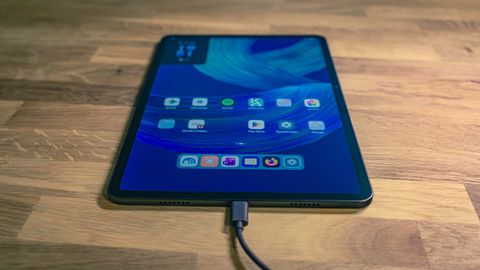
- Slow charging: the tablet charges at 27 W at most. The Tab S7 FE manages 45 W.
- Fingerprints: see the display section above.
Speakers, cameras and accessories
The speakers are loud and clear, and the fingerprint sensor is fast and reliable. The cameras are okay. I don’t have a case yet, but I’m considering the keyboard cover. The stylus delivery was delayed and is now expected on October 28, 2026. I will add my impressions here once it arrives.
Conclusion
The Alexa Tablet 12 Pro is worth it if you want a fast tablet with a glare-free display and don’t mind spending ten minutes with ADB. After debloating, it feels like a clean Android tablet. Anyone who wants custom ROMs or Samsung’s extra features should skip it: the bootloader stays locked, and Alexa Tablet UI offers few extras beyond stock Android.
Frequently asked questions
Can you unlock the bootloader of the Alexa Tablet 12 Pro?
No, as of build SL16SHIP2003.1344N. The developer options have no OEM unlocking toggle, so the bootloader stays locked and custom ROMs cannot be installed.
Can you remove the Amazon apps from the Alexa Tablet 12 Pro?
Yes, via ADB and without root. I removed 53 packages and disabled 7 more, including Alexa, Kindle, Prime Video and the Silk browser. The tablet runs fine afterwards. The Amazon dock still shows up with a different launcher.
Why do fingerprints show up so clearly on the matte display?
The matte glass has a microscopically rough surface. Skin oil gets pulled into its tiny valleys, where a cloth barely reaches it. Because oil refracts light almost like glass, an oily spot stops scattering light and looks like a shiny patch on the matte surface.